Start Here
Vibrator Patterns Explained: What Do the Modes Mean?
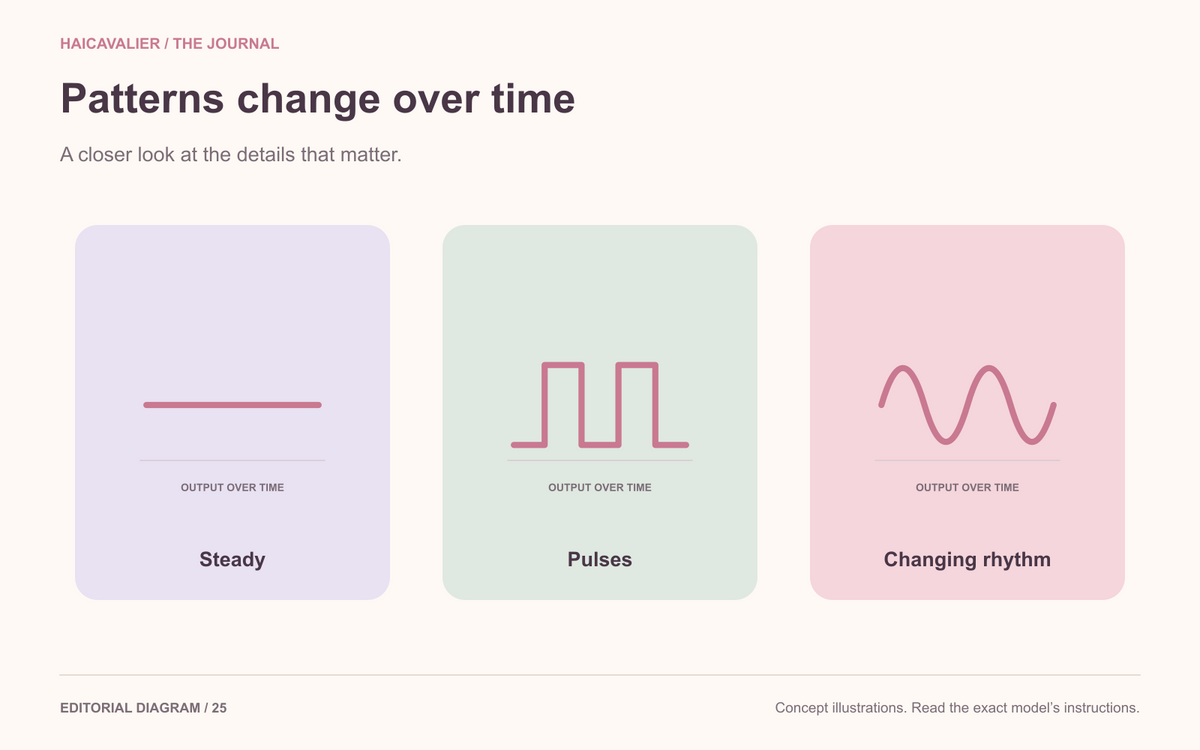
Vibration patterns change output over time: steady operation, pulses and gradually changing rhythms are common descriptions. Pattern names are model-specific and are not standardized intensity grades.
Before paying for a larger menu, check whether intensity can be changed independently and how you return to a preferred pattern.
Start with steady output
A steady setting is intended to maintain an operating output rather than deliberately alternate a rhythm. It may still be available at different intensity levels, depending on the product.
Do not assume a pattern button and intensity button perform the same task. Read how each works.
A clear distinction here makes the rest of the menu easier to understand.
Understand pulses and changing rhythms
A pulsing pattern alternates output in a sequence. Other modes may vary the rhythm or gradually change the operating output.
These are general descriptions, not standardized names that every manufacturer follows. A setting called “wave” or “rhythm” on one model can differ from a similarly named setting elsewhere.
Look for a simple diagram or written description instead of trying to compare evocative mode names.
Check whether intensity is independent
Some devices allow a chosen pattern and intensity level to be adjusted separately. Others provide fixed combinations.
Find out which system the model uses. If you want independent adjustment, look for that specific feature rather than a large total mode count.
A product with more combinations may take more button presses to navigate.
Learn the route back to steady
If the device has several patterns, ask how to return to a preferred setting. Can you go backward? Is there a dedicated mode button? Does turning it off reset the menu?
A one-button design can be convenient for some people and tedious for others.
Read the sequence while comparing products. This is a practical usability question, not a sign that you need a more advanced device.
Be cautious with promises attached to patterns
A mode name does not guarantee a particular physical response. Nor is there a sequence every adult needs to follow.
You can prefer a steady setting, enjoy changing rhythms or find a large menu unnecessary. Those are ordinary preferences.
A product description should explain what a mode does rather than telling you what you are supposed to experience.
Make the pattern count earn its place
When building a shortlist, write down how many options you actually understand and whether navigating them looks manageable.
If you cannot explain a setting, ask for the manual. If you do not want it, you do not have to pay extra for it.
The most useful pattern menu is one you can navigate comfortably. Its size matters less than whether the choices make sense.
What “ten modes” can conceal
A hypothetical menu might count one steady setting and nine changing patterns. Another might count several steady levels and fewer patterns.
Those are different interfaces even if both advertise ten modes. Ask for the actual mode list and the route through it.
If your priority is a steady setting with easy adjustment, independent intensity control and a clear return command may matter more than additional rhythms. Choose the menu you can navigate, rather than the one with the larger unexplained total.